Have you ever looked at a photo and wondered why your hair suddenly seems warmer, darker, flatter, or more reddish than it does in the mirror? The camera does not record colour exactly the way your eyes perceive it. Lighting, white balance, exposure, background colours, and even your phone’s automatic processing can all shift the final shade.
If you want to compare how different tones might look on you, using https://retouchme.com/service/change-hair-color-app-photo-editor can help you preview a new colour on your own photo before making a real change. For the most useful result, start with an image where your current hair colour is clear, and the lighting is neutral.
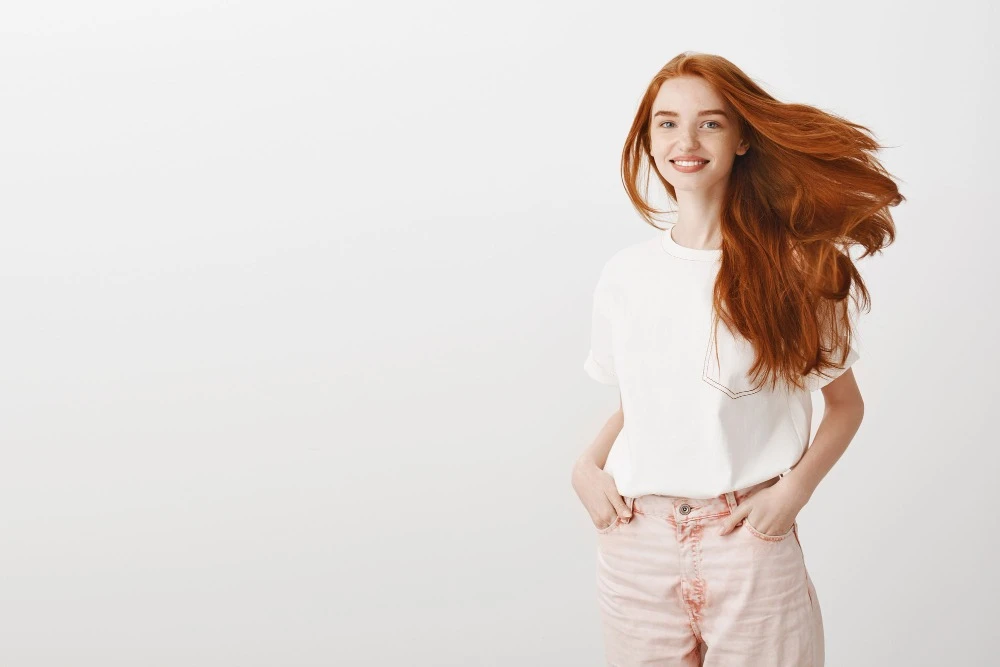
Lighting Changes Hair Colour Fast
Hair reflects light, so the same shade can look different from room to room. Warm indoor bulbs can pull out golden or copper tones, while cool LEDs may make brown or blonde hair look more ashy. Direct sunlight can also create strong highlights that make the hair appear lighter than it really is.
For an accurate photo:
- stand near a window with indirect daylight;
- avoid colored lamps or neon signs;
- keep the light even across your hair;
- turn off beauty filters;
- take more than one shot from different angles.
This gives you a better reference for both editing and colour comparison.
White Balance Matters More Than You Think
Your phone automatically tries to decide what “neutral” white should look like. If it gets that decision wrong, every color in the photo can shift. A warm scene may be cooled down, or a cool scene may become more yellow.
If your camera app allows it, compare a few shots with automatic white balance and one neutral setting. Even without manual controls, taking the photo in daylight usually gives a more reliable starting point than mixed indoor light.
Background Colours Can Affect Perception
A bright red wall, green foliage, or a very warm room can change how your hair colour feels, even if the actual pixels on the hair have not shifted much. This is a visual contrast effect: the surrounding colours influence how the hair is perceived.
For a cleaner comparison, use a neutral background such as a grey, beige, or white wall. This makes subtle differences between warm, cool, and neutral shades easier to notice.
Exposure Can Hide Dimension
If a photo is too bright, lighter strands may lose detail. If it is too dark, brunette shades can look flat and nearly black. Tap on your hair or face before shooting so the phone sets exposure closer to the area you want to judge.
When editing, avoid pushing brightness or saturation too far. A realistic preview should keep highlights, roots, and natural variation visible instead of turning the hair into one solid block of colour.
Hair colour in photos is influenced by much more than dye alone. Light, camera settings, exposure, and surroundings all play a role. If you want to judge a shade fairly, begin with a neutral photo and make only controlled adjustments. The closer the image is to real-life lighting, the easier it is to decide whether the colour truly works for you.